Digital download
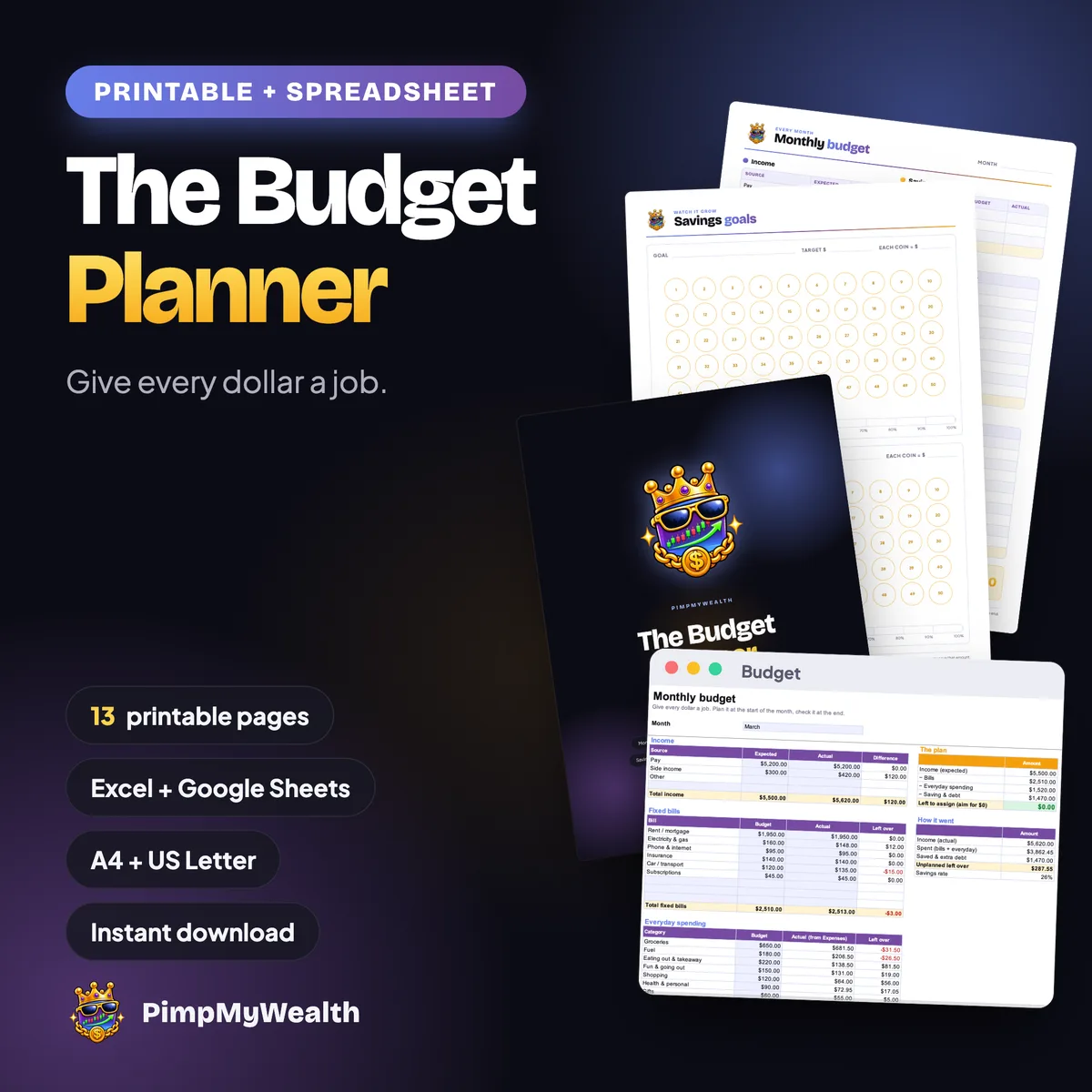
The Budget Planner
Give every dollar a job.
Plan the month before it starts, log what you spend, and see where it went at the end. You get it as a printable and as a spreadsheet, so use whichever suits you, or both.
Download straight after you buy. Nothing is posted.
What's inside
Printable pages
- How to use
- Money goals
- Monthly budget
- Expense log
- Bill tracker
- Sinking funds
- Savings goals
- Debt payoff
- No-spend month
- Net worth
- Year at a glance
- Monthly review
The spreadsheet
- Log an expense and its category fills in your budget's Actual column
- "Left to assign" turns green when every dollar has a job
- Sinking funds work out how much to put aside each month
- Savings goals show your progress and how many months to go
- Debt payoff shows months to clear, interest, and snowball and avalanche order
How it works
Download
The PDF and the spreadsheet arrive straight after you buy.
Print it or open it
Print at home, write on it on a tablet, or open the spreadsheet in Excel or Google Sheets.
Plan, track, review
Plan the month, log as you go, and look back at the end.
Questions
Does the spreadsheet work in Google Sheets?
Yes. It's an .xlsx file that works in Excel and Google Sheets. In Google Sheets, use File > Import (or upload it to Drive and open it).
Is anything posted to me?
No. It's a digital download. You get the files straight after you buy, and you can print them as many times as you like for your own use.
Which paper size?
Both. The PDF comes in A4 and US Letter.
Is this financial advice?
No. It's general information and a tool to organise your own numbers. It doesn't take your circumstances into account.
Free
Free calculators
Try the free calculators for compound interest, debt payoff and more.
More from the shop
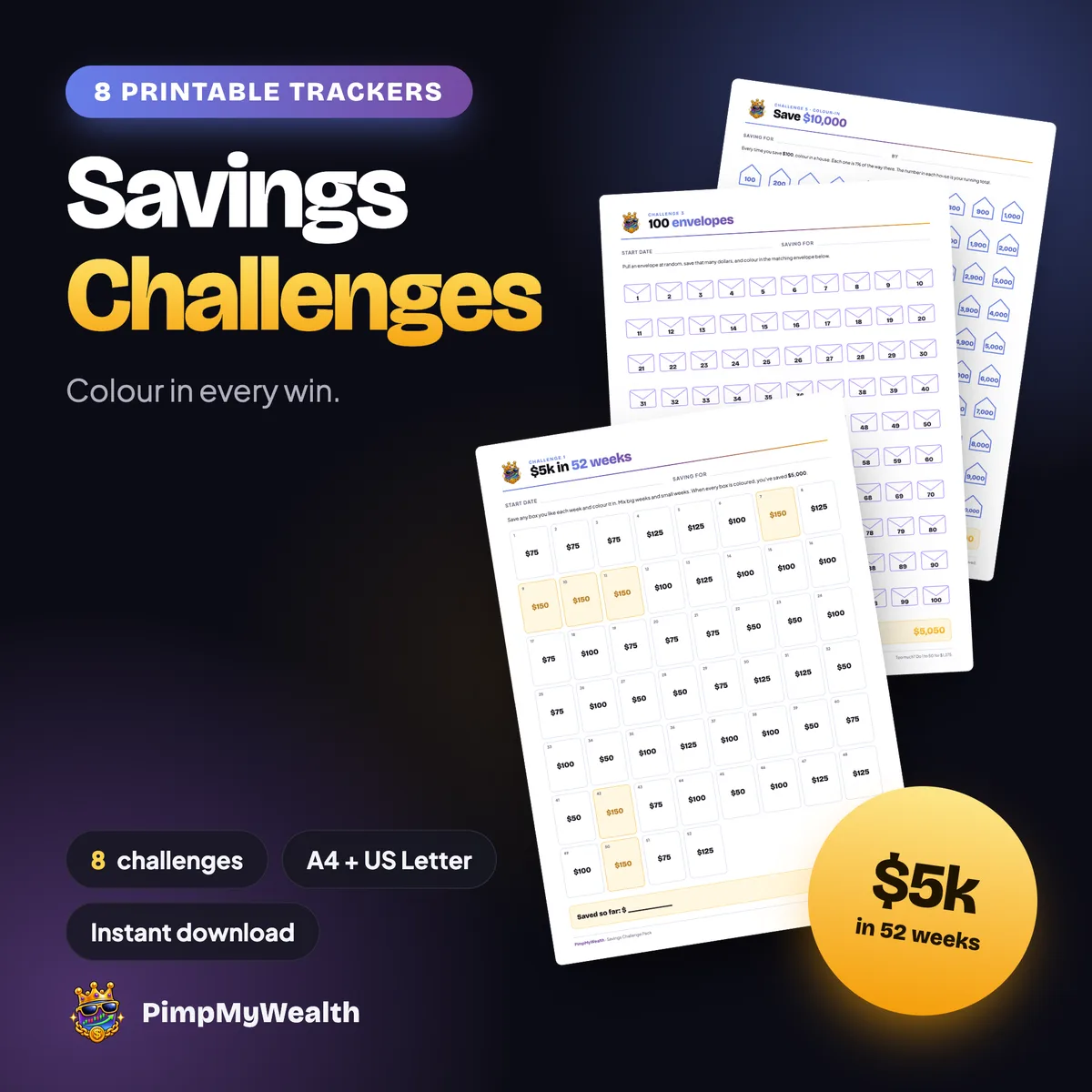
Savings Challenge Pack
Colour in every win.
US$5
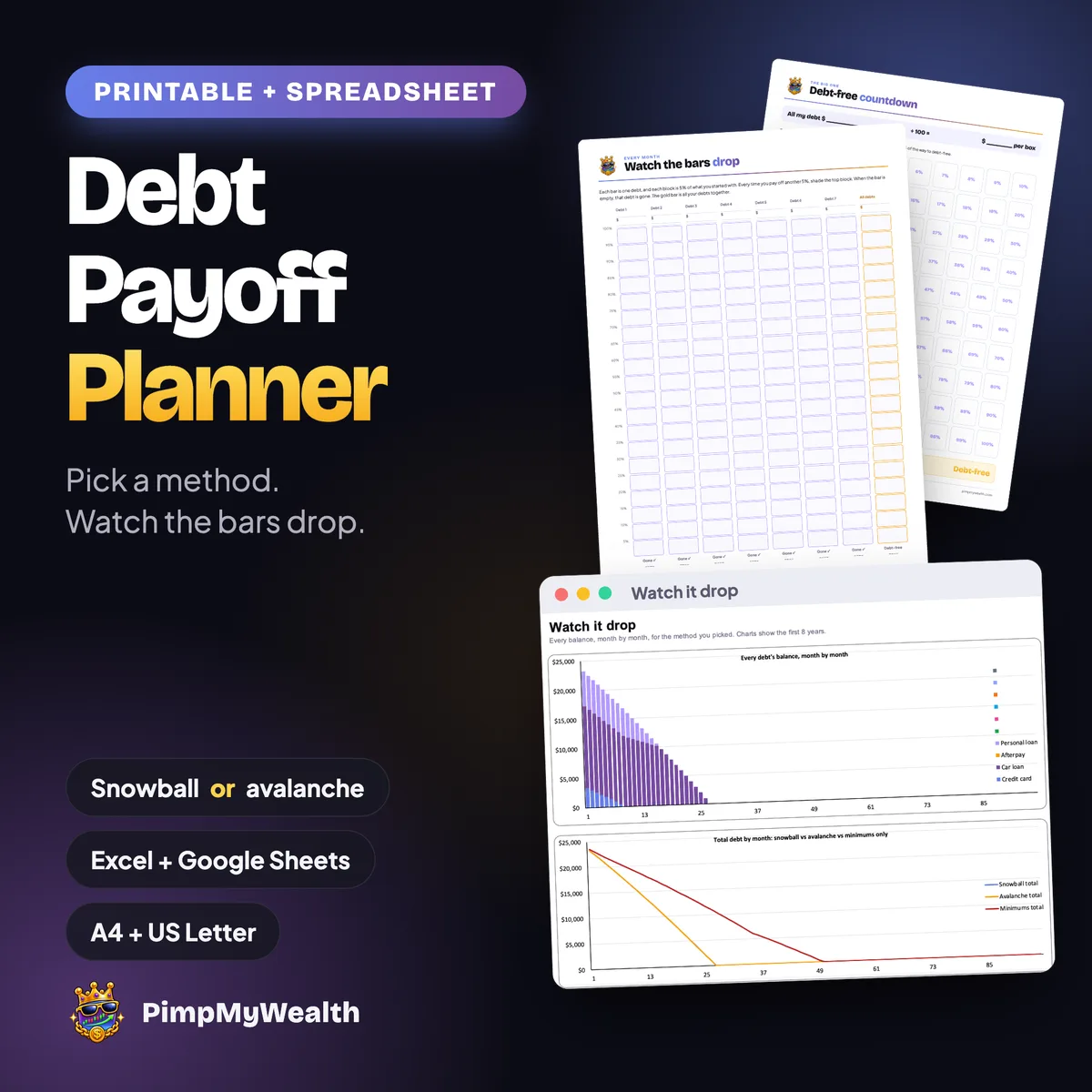
Debt Payoff Planner
Pick a method. Watch the bars drop.
US$7
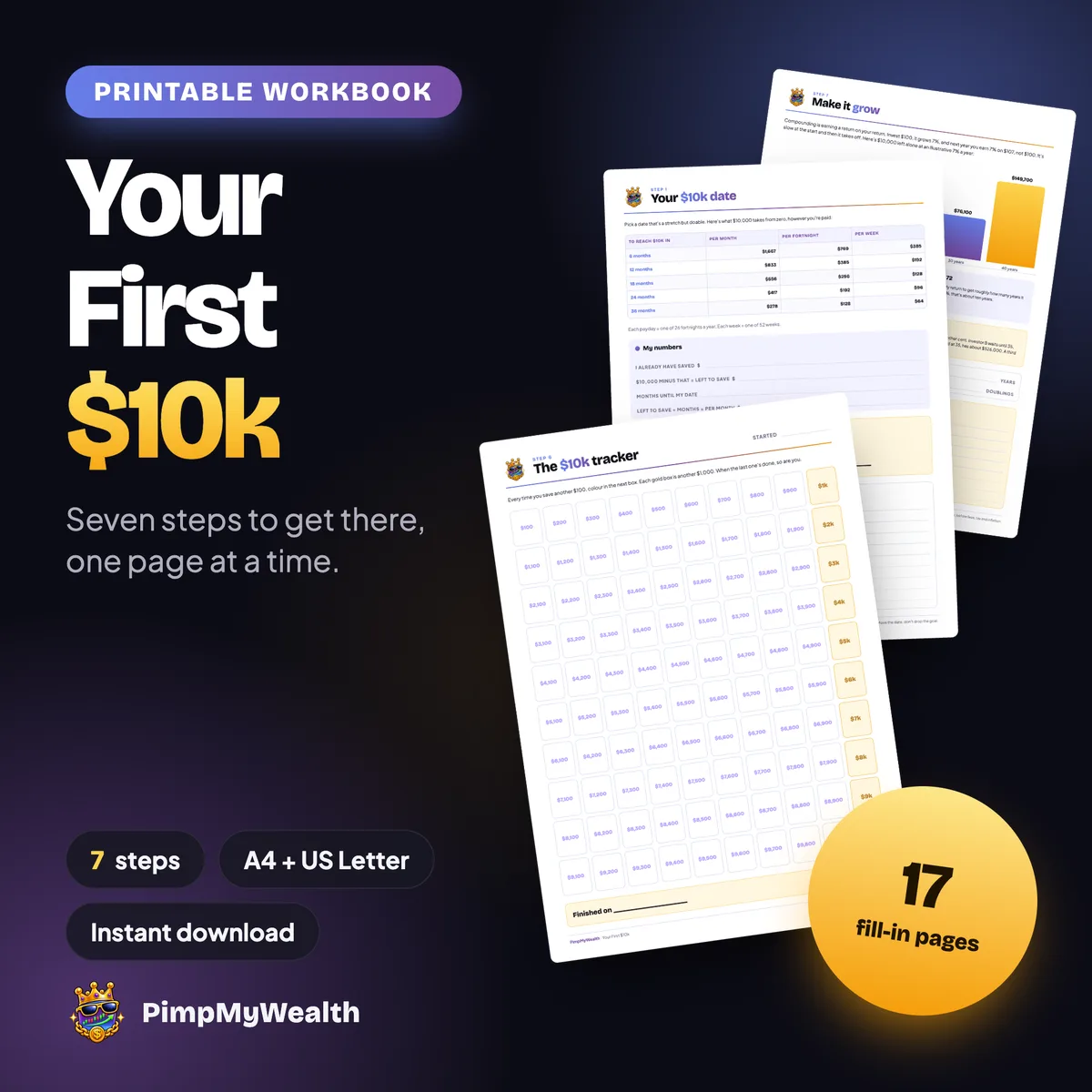
Your First $10k
Seven steps to get there, one page at a time.
US$10
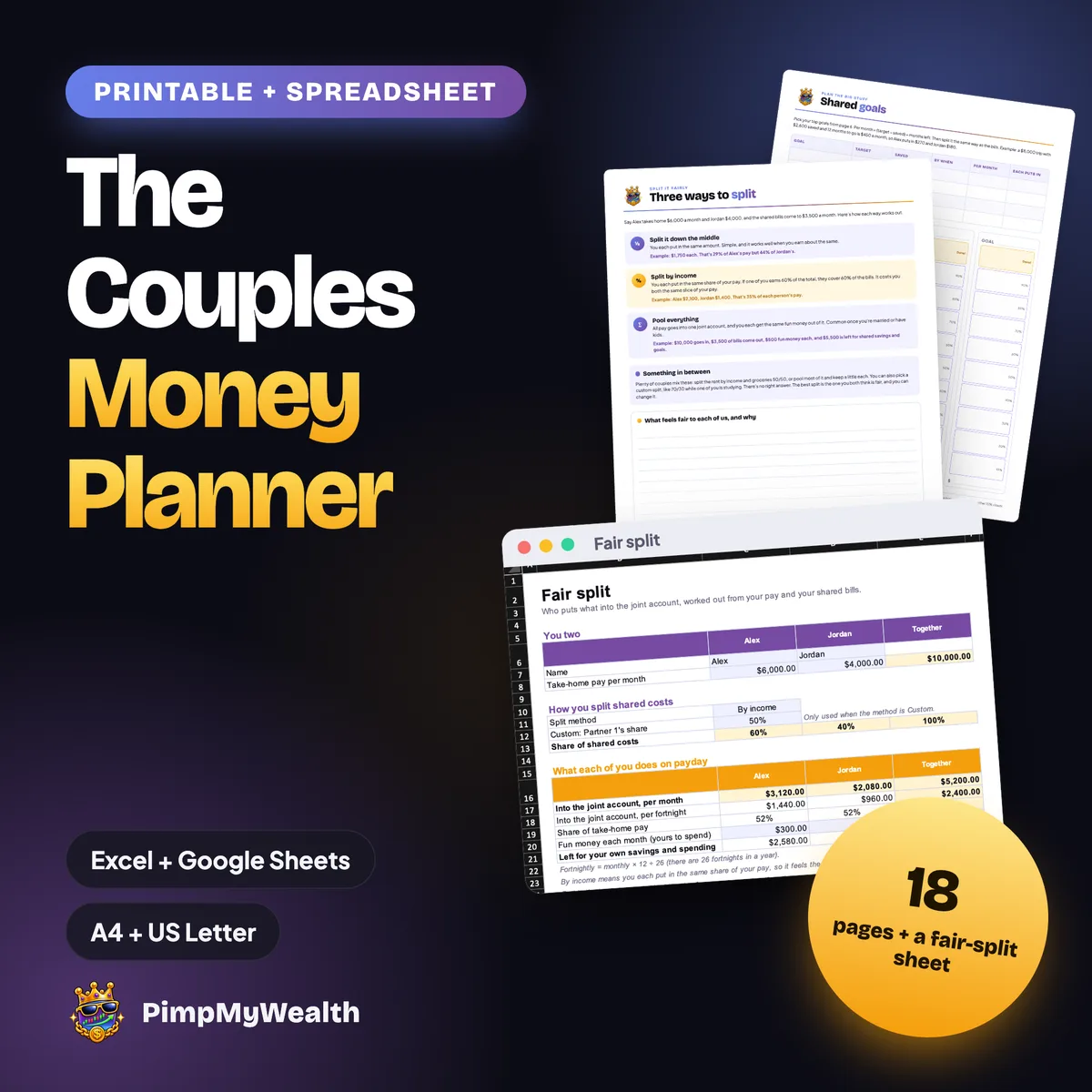
The Couples Money Planner
Talk about money, split it fairly, plan the big stuff.
US$12
For personal use only. Please don't share or resell. General information only: it doesn't take your circumstances into account and isn't financial advice.